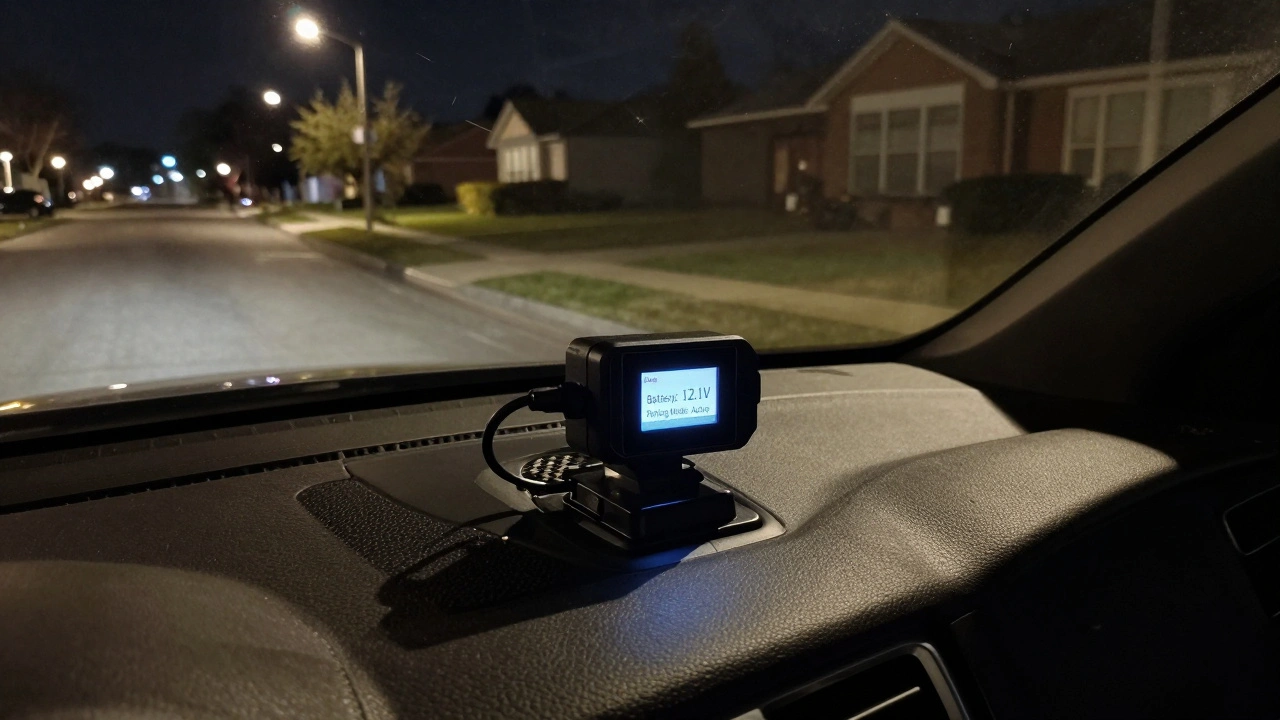
Ever started your car only to find the battery dead after leaving your dashcam on overnight? You're not alone. Many drivers assume their dashcam is harmless when parked, but in reality, it can quietly drain your car’s battery-sometimes to the point of leaving you stranded. The problem isn’t the dashcam itself. It’s how it’s powered. With parking mode becoming standard on most modern dashcams, understanding how to set it up right is no longer optional. It’s essential.
Why Your Dashcam Is Killing Your Battery
Most dashcams run fine while driving because the alternator keeps the battery charged. But when you turn off the engine, the dashcam switches to parking mode and keeps drawing power from the battery. That’s fine for short stops. But if you park for a day, two days, or longer, that constant trickle of power adds up. A typical dashcam in parking mode uses between 0.1 and 0.5 amps. Sounds small? It’s not. A standard car battery holds about 48 amp-hours. If your dashcam pulls 0.3 amps continuously, it’ll drain 50% of the battery in just 80 hours. Most lead-acid batteries can’t handle deep discharges without damage. After a few cycles, your battery weakens faster. Older batteries? They die even quicker. And it gets worse in cold weather. At 32°F, a battery’s capacity drops by 20%. At 0°F, it’s nearly 40% weaker. So if your dashcam is already pushing the limits, winter makes the problem ten times worse.The #1 Mistake: Plugging Into the Cigarette Lighter
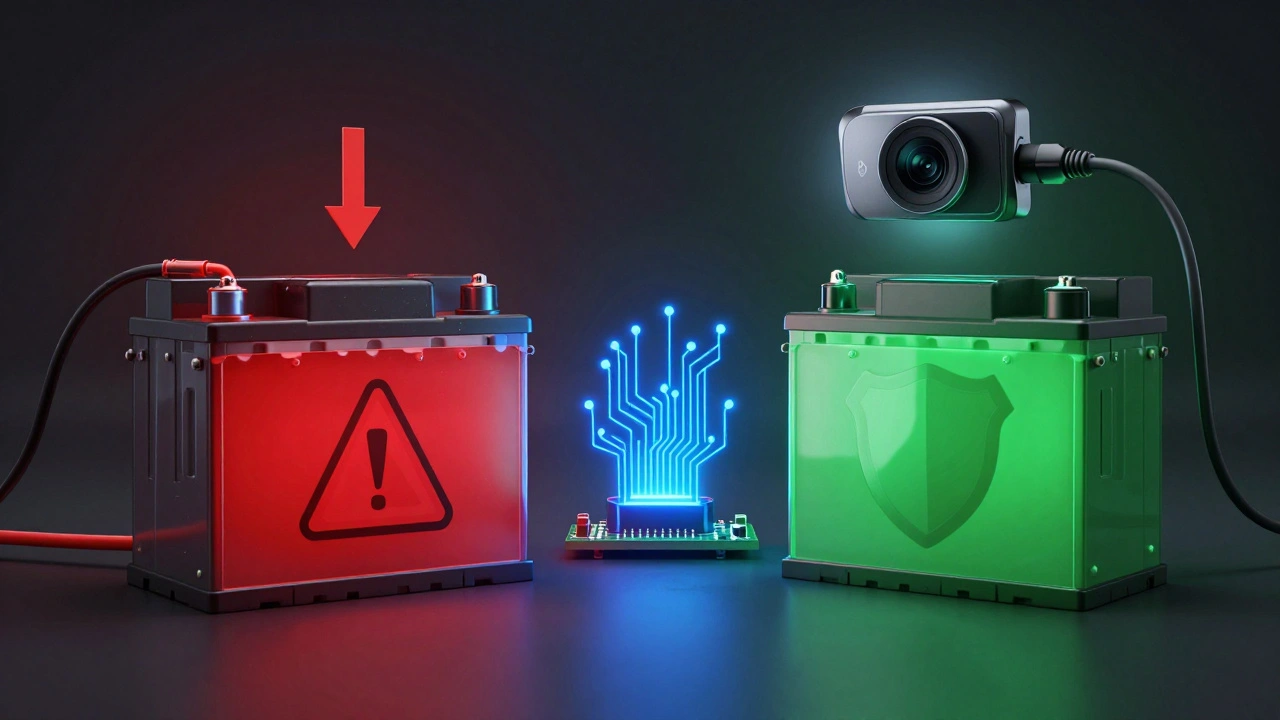
A lot of people plug their dashcam into the 12V socket. That seems simple. But here’s the catch: most cigarette lighter ports shut off when the engine turns off. That means parking mode won’t work at all. To get parking mode working, you have to hardwire the dashcam directly into the fuse box. That’s the right move-but only if done right. If you just splice wires into a fuse that’s always live (like the radio or interior lights), your dashcam will run nonstop. No cutoff. No warning. Just slow, silent battery death. The fix? Use a hardwire kit with low voltage cutoff. These kits are cheap, easy to install, and designed for this exact problem. They monitor battery voltage and cut power to the dashcam before it drops too low. Most reliable kits shut off at 12.0V to 12.1V-right when the battery is at 50% charge. That’s enough to keep your car running, even after a week of parking.How to Choose a Power-Smart Dashcam
Not all dashcams are created equal when it comes to power use. If you’re serious about avoiding battery drain, look for models with these features:- Event-based recording only-Only records when motion or impact is detected. No continuous video.
- Time-lapse mode-Takes one frame every 1-10 seconds instead of 30 frames per second. Cuts power use by 80%.
- Deep sleep mode-The camera shuts down all internal processors until the G-sensor detects a bump or the camera sees movement.
- Adjustable sensitivity-Let you set motion detection to ignore small movements like leaves or passing cars.
Settings That Save Power (And Your Battery)
Even the best dashcam can drain your battery if you set it wrong. Here’s how to tweak the settings:- Switch from 4K to 1080p-Higher resolution uses more processing power. That means more current. 1080p is sharp enough for license plates and facial details.
- Turn off rear camera-If you have a dual-channel system, disable the rear camera in parking mode. It’s rarely needed unless you’re parked in a high-risk area.
- Set a timer-Most dashcams let you limit parking mode to 6, 12, or 24 hours. If you’re parked at an airport for three days, set it to 12 hours. It’ll record the first half of your trip, then shut off.
- Lower motion sensitivity-If your car is parked under a tree, wind-blown branches can trigger constant recording. Adjust the sensitivity so only real movement wakes it up.
External Battery Packs: The Ultimate Solution
If you park for long periods-like at the airport, work, or during winter storage-a dedicated external battery pack is the only foolproof way to protect your car’s battery. These packs plug into your dashcam and charge only when the engine is running. Once you turn off the car, the dashcam runs entirely off the external battery. No drain on your car. No risk of being stranded. Some models can run for over 30 hours of continuous recording. Others use solar charging or have built-in USB ports to charge your phone too. They’re especially useful for EVs, where the 12V battery is smaller and more vulnerable. You don’t need to install anything complex. Just plug the external battery into the dashcam’s power cable, and mount it under a seat or in the trunk. Most come with adhesive mounts and zip ties.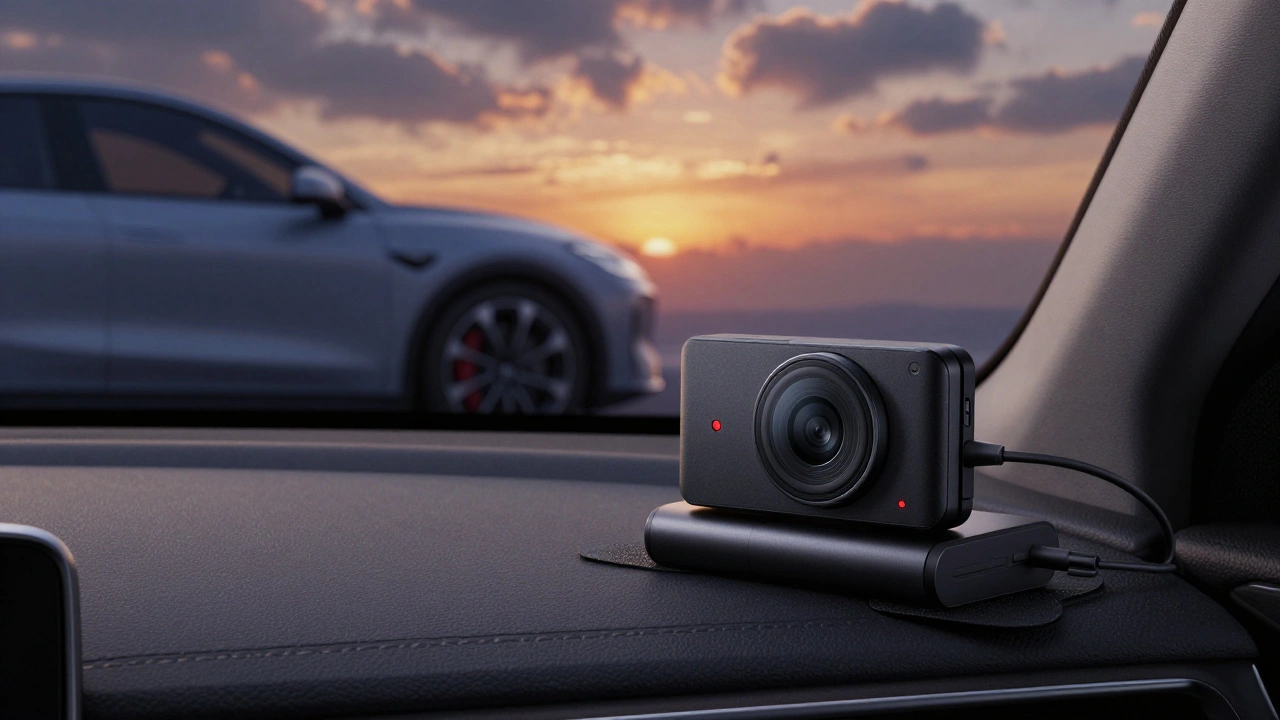
What Happens If You Ignore This?
Ignoring dashcam battery drain doesn’t just leave you stranded. It kills your car battery faster. A battery that normally lasts 4-5 years might die in 18 months. Replacing it costs $150-$250. Add a tow truck, a mechanic, and the hassle-total cost can hit $500. And it’s not just about money. Imagine being stuck at a hospital parking lot, a late-night work shift, or a family event because your car won’t start. That’s not a minor inconvenience. It’s a real disruption.Quick Checklist: Protect Your Battery Today
- ✅ Use a hardwire kit with low voltage cutoff (12.0V-12.1V shutdown)
- ✅ Choose a dashcam with motion/impact detection, not continuous recording
- ✅ Set parking mode to 1080p, not 4K
- ✅ Disable rear camera in parking mode unless absolutely needed
- ✅ Set a 12-hour timer for parking mode
- ✅ Consider an external battery pack if you park for more than 24 hours regularly
There’s no magic trick. No hidden hack. Just smart setup. The right gear, the right settings, and you’ll never have to jump-start your car because of your dashcam again.
Does parking mode always drain the battery?
Not if it’s set up correctly. If your dashcam is plugged into a switched 12V socket, it won’t even turn on in parking mode. If it’s hardwired without a low voltage cutoff, yes-it will drain the battery. The key is using a hardwire kit that cuts power before the battery drops below 12.0V.
Can I use a power bank instead of a hardwire kit?
You can, but only if it’s designed for automotive use. Regular power banks aren’t built to handle car voltage or temperature swings. Use a dedicated external battery pack made for dashcams. These have built-in voltage regulation, overcharge protection, and delayed charging to prevent draining your car’s battery while it’s running.
How do I know if my dashcam is using too much power?
Check your battery health. If your car struggles to start after sitting for 24 hours, or if your battery dies faster than usual (under 2 years old), your dashcam is likely the culprit. Use a multimeter to measure voltage after parking. If it drops below 12.2V in 12 hours, your setup needs adjustment.
Do all dashcams have low voltage cutoff?
No. Many budget dashcams don’t have this feature. Always check the specs before buying. Look for terms like "low voltage protection," "automatic shutdown," or "battery saver mode." If it’s not listed, assume it doesn’t exist. Always pair the dashcam with a hardwire kit that has cutoff protection.
Is parking mode worth the risk?
Yes-if you do it right. Parking mode gives you peace of mind against vandalism, hit-and-runs, or theft. The risk isn’t the feature. It’s poor setup. With the right hardwire kit, smart settings, and maybe an external battery, you get full protection without any downside.