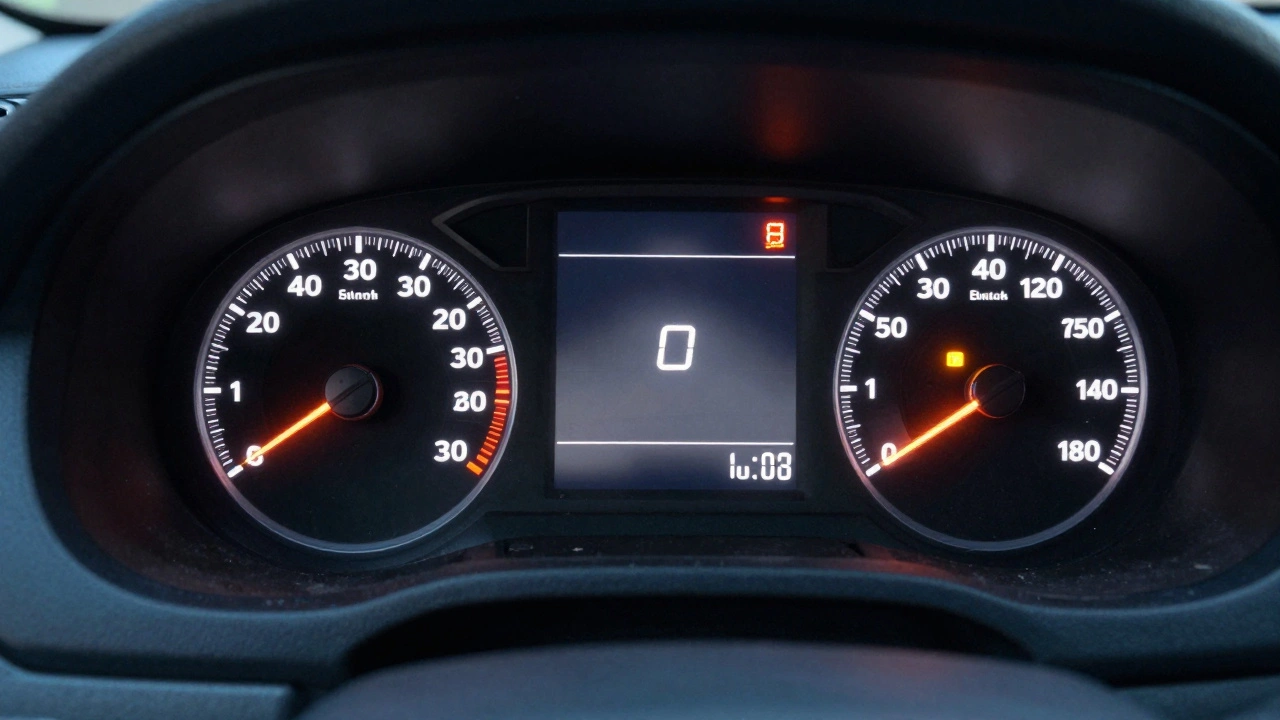
When your check engine light comes on, it’s not just a warning-it’s a clue. But what exactly happened when that light turned on? That’s where freeze frame data comes in. It’s not just another diagnostic term. It’s a snapshot of your car’s vital signs at the exact moment something went wrong. Think of it like a police dashcam recording the second before a crash. No guesswork. No luck. Just facts.
What Exactly Is Freeze Frame Data?
Freeze frame data is a digital snapshot stored by your car’s computer (the ECU) the moment it detects a problem serious enough to trigger a Diagnostic Trouble Code (DTC). This isn’t just a list of error codes. It’s a full record of what every sensor was reading at that instant: engine speed, coolant temperature, throttle position, vehicle speed, air temperature, and more. All of it, frozen in time.
This feature was built into the OBD2 standard back in the 1990s, but most drivers don’t know it exists. Why? Because you can’t see it unless you plug in a scanner. And even then, many basic scanners only show the code-like P0171 or P0420-and leave out the context. But that context? That’s what turns a wild guess into a confident repair.
What Data Is Stored in a Freeze Frame?
Not every fault saves the same data. The amount and type of information stored depend on the specific DTC. But here’s what you’ll typically see:
- Engine RPM - Was the engine racing? Idling? This tells you if the issue happened under load or at rest.
- Vehicle Speed - Was the car stopped, cruising at 60 mph, or accelerating hard? This helps rule out speed-related causes.
- Coolant Temperature - A cold engine at startup behaves differently than one that’s overheated. This number tells you which one you’re dealing with.
- Engine Load - How hard the engine is working. High load with low fuel efficiency? That’s a red flag.
- Throttle Position - Was the pedal barely pressed or floored? This helps determine if driver input played a role.
- Outside Air Temperature - Cold weather can mask fuel mixture issues. This number helps confirm if temperature was a factor.
- Ignition Timing - If timing is off, it can cause misfires or knocking. This value shows if the computer was adjusting correctly.
There’s also hidden metadata: fault priority (1 to 7, with 1 being critical), how many times the fault has occurred (0 to 254), and how many clean driving cycles are left before the code clears automatically. These numbers tell you if this is a one-time glitch or a pattern.
Freeze Frame vs. Live Data: What’s the Difference?
People confuse freeze frame data with live data. They’re not the same.
Live data is like watching a live video feed. You see real-time sensor values while the scanner is connected. You can watch RPM climb as you press the gas. You can see if oxygen sensors are sluggish or if fuel trims are jumping around. But live data only shows what’s happening now. If the problem is gone when you plug in the scanner, you see nothing wrong.
Freeze frame data is a still photo taken at the exact moment the fault happened-even if the car is now running perfectly. That’s why it’s so powerful. A misfire code might clear after you restart the car. But the freeze frame tells you: “This happened at 2,800 RPM, 45 mph, with coolant at 180°F, and the throttle at 30%.” Now you know where to look.
Think of it this way: live data answers, “What’s happening right now?” Freeze frame answers, “What happened when the light came on?”
How to Access Freeze Frame Data
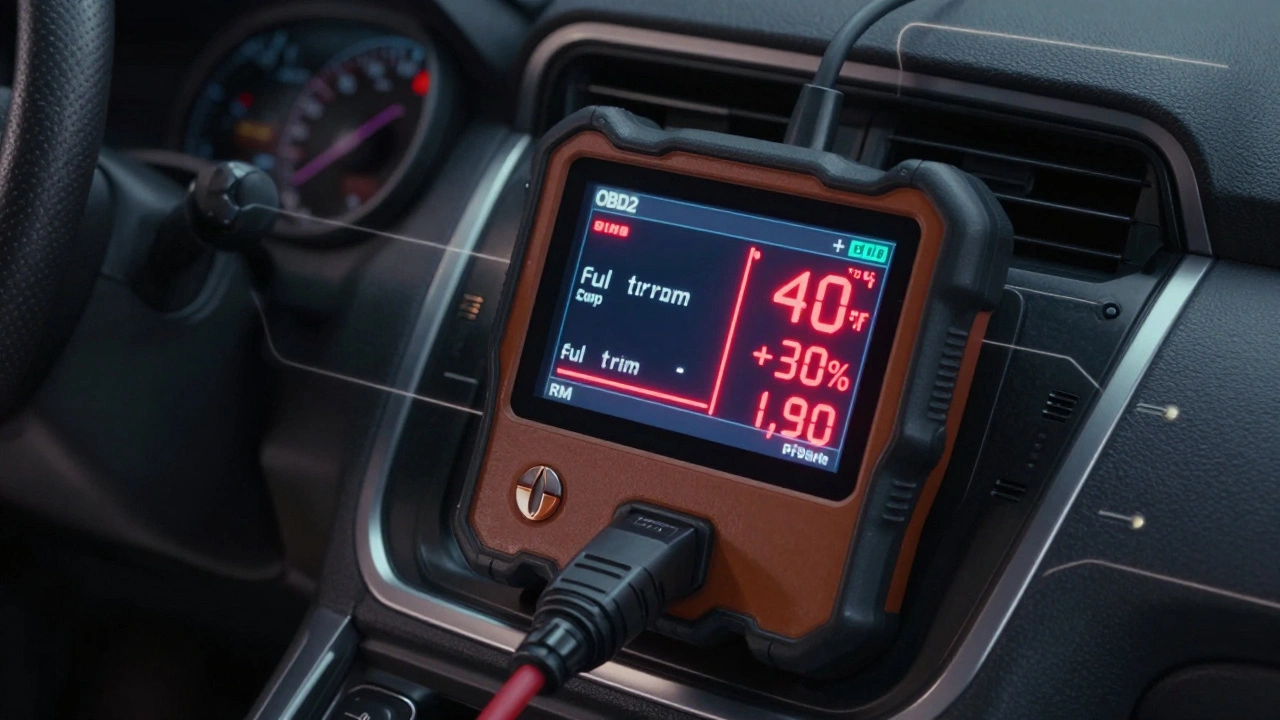
You need an OBD2 scanner that supports Mode $02. Most modern scanners do-even budget ones from AutoZone or Amazon. But not all show the data clearly. Here’s how to get it:
- Plug in your scanner and turn the ignition to ON (don’t start the engine).
- Select “Read Codes” or “DTCs.”
- Once a code appears (like P0300 for random misfire), look for an option labeled “Freeze Frame,” “Snapshot,” or “Data at Time of Fault.”
- Select the frame number if multiple snapshots exist (usually Frame 1 is the first occurrence).
- Read the values. Don’t just glance-compare them to normal operating ranges.
Some advanced tools like the VDIAGTOOL VD30 or Autel MaxiScan MS300 even highlight values that are out of range. For example, if coolant temperature reads 40°F when the engine should be at 195°F, it’ll show it in red. That’s a huge time-saver.
Why Freeze Frame Data Saves Time and Money
Here’s a real scenario: A customer brings in a 2020 Toyota Camry with a P0171 code (System Too Lean). The mechanic replaces the mass air flow sensor. The light comes back on two weeks later. Why? Because they didn’t check the freeze frame.
When they finally look at the freeze frame, they see:
- Engine RPM: 1,900
- Vehicle Speed: 42 mph
- Coolant Temp: 198°F
- Throttle Position: 25%
- Intake Air Temp: 78°F
- Long Term Fuel Trim: +25%
- Short Term Fuel Trim: +30%
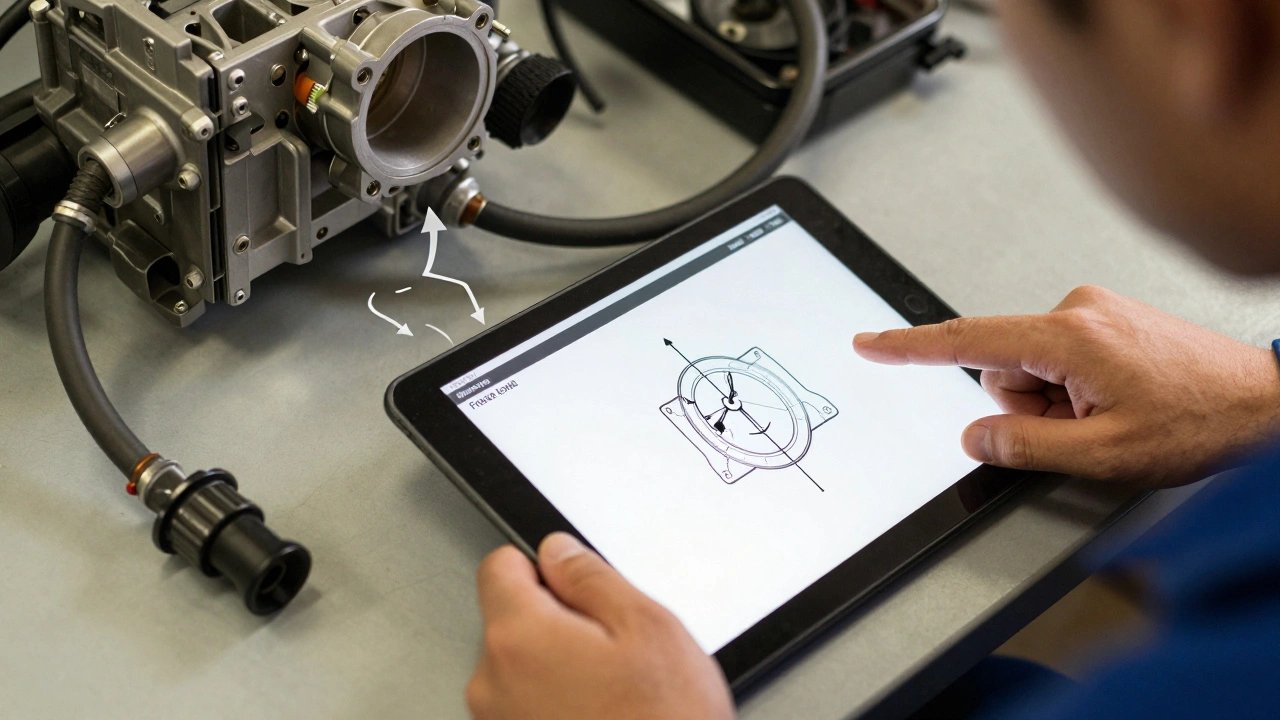
Those fuel trims are way too high. That means the computer is adding a lot of extra fuel to compensate. But why? The freeze frame shows the intake air temperature was normal. The mass air flow sensor was reading correctly. The problem? A cracked vacuum line near the throttle body. Air was leaking in, unmeasured. The computer didn’t know it, so it thought the engine was running lean. Replacing the MAF sensor was a waste. Fixing the vacuum line? $15 and 10 minutes.
Without freeze frame data, you’re guessing. With it, you’re diagnosing.
Common Mistakes When Reading Freeze Frame Data
Even pros mess up. Here are the top three errors:
- Ignoring the context - Seeing a high RPM and assuming it’s a transmission issue, when the real problem is a misfire at that RPM. Always look at all parameters together.
- Assuming one snapshot tells the whole story - Some cars store up to 5 freeze frames. Check them all. If Frame 1 shows cold engine and Frame 3 shows hot engine, you’re dealing with a temperature-sensitive fault.
- Not comparing to known good values - What’s normal for a 2018 Honda Civic might be different from a 2023 Ford F-150. Use manufacturer specs or reliable databases to know what’s in range.
Also, don’t trust freeze frame data if the code was cleared manually. The snapshot gets erased too. Always check the code before clearing it.
When Freeze Frame Data Won’t Help
It’s not magic. There are limits:
- It only triggers on emissions-related faults. Non-emissions codes (like a faulty door latch sensor) won’t save a freeze frame.
- Some older vehicles (pre-1996) don’t have OBD2, so no freeze frame exists.
- If the fault occurred during a drive cycle that didn’t complete, the ECU might not store it.
- Some manufacturers limit the number of parameters saved to save memory. You might get RPM and speed but not ignition timing.
Still, for 90% of check engine light issues, freeze frame data is the single most useful tool you have.
Putting It All Together: Your Action Plan
Next time your check engine light comes on, follow this:
- Don’t panic. Don’t drive recklessly.
- Use your scanner to read the DTC.
- Immediately pull up the freeze frame data.
- Write down the values for RPM, speed, coolant temp, throttle position, and fuel trims.
- Compare those values to what’s normal for your car (search your model + “normal OBD2 values”).
- Look for outliers. A coolant temp of 60°F at highway speed? That’s a thermostat issue.
- Only replace parts after the data points to a specific failure.
Most repairs fail not because the part is bad-but because the root cause was missed. Freeze frame data changes that. It turns you from a code reader into a diagnostician.
Final Thought: The Real Power of Freeze Frame
It’s not about the numbers. It’s about the story they tell. A single freeze frame can reveal a vacuum leak, a failing sensor, a clogged fuel injector, or even a wiring harness that’s rubbing against a hot exhaust. It’s the difference between replacing parts on a hunch and fixing the problem for good.
Every car today has this tool built in. The question isn’t whether you have it. It’s whether you’re using it.
Does every OBD2 scanner show freeze frame data?
Yes, all OBD2-compliant scanners can access freeze frame data because it’s part of the standard OBD2 protocol (Mode $02). But not all scanners display it clearly. Budget scanners may only show the DTC. Look for tools labeled "freeze frame," "snapshot," or "data at time of fault" to ensure you’re seeing the full picture.
Can freeze frame data tell me if my car is running rich or lean?
Yes. Freeze frame data includes long-term and short-term fuel trims. If these values are consistently above +10%, your engine is running lean (not enough fuel). If they’re below -10%, it’s running rich (too much fuel). Combined with oxygen sensor readings and air temperature, you can pinpoint whether it’s a sensor issue, vacuum leak, or fuel delivery problem.
Why does my freeze frame show a coolant temperature of 40°F when the engine is warm?
That’s a classic sign of a faulty coolant temperature sensor. The ECU is getting a false reading, so it’s operating under the wrong assumptions-like running a rich mixture when it shouldn’t. This often triggers codes like P0125 or P0128. The freeze frame doesn’t lie; it’s telling you the sensor is broken, not the engine.
Can freeze frame data help with intermittent problems?
Absolutely. Intermittent issues are the hardest to diagnose because they disappear before you can scan. But if the code stayed stored, the freeze frame is still there. It captures the exact conditions when the fault happened-even if it’s not happening now. This is why it’s invaluable for problems that only occur during cold starts, highway driving, or after rain.
Do I need a professional scanner to read freeze frame data?
No. Even inexpensive OBD2 scanners under $50 can retrieve freeze frame data if they support Mode $02. You don’t need a $1,000 tool. But avoid the cheapest models that only show codes without data. Look for ones that list parameters like RPM, speed, and fuel trims. If it shows numbers, not just letters, you’re good.