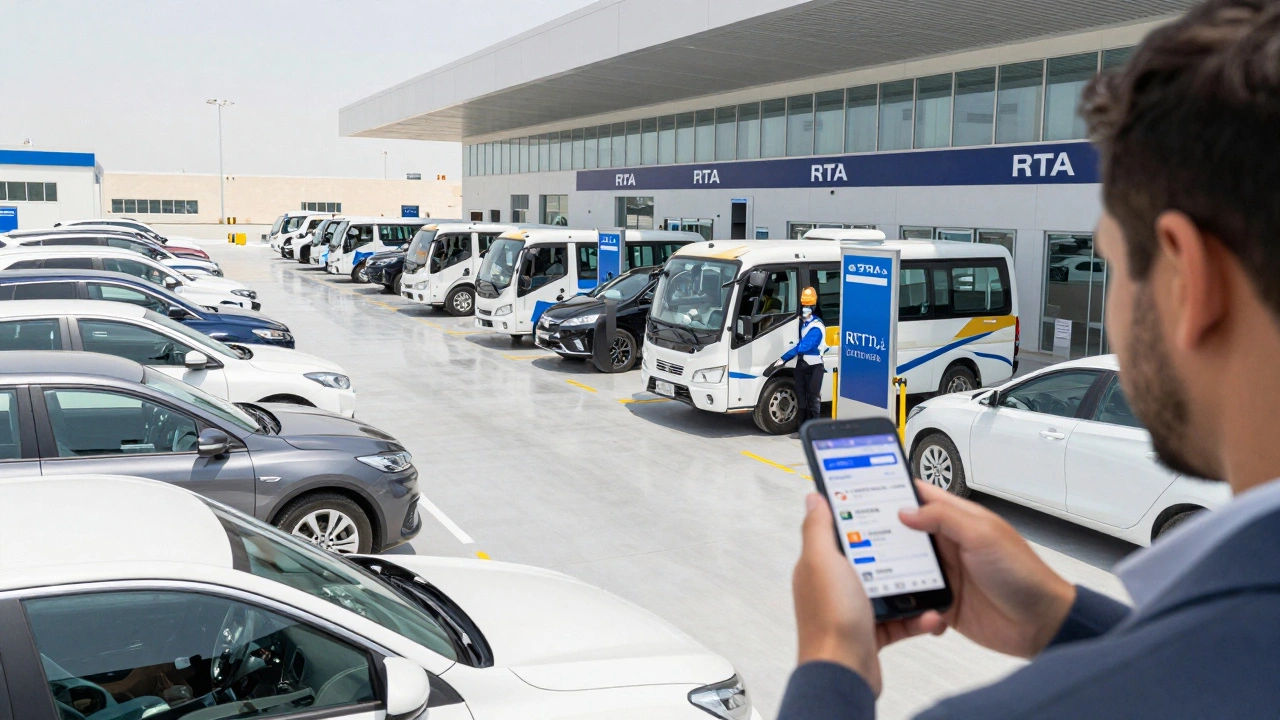
Quick Essentials for Your Booking
- Mandatory Status: Since June 2, 2025, walk-ins are no longer accepted.
- Required IDs: You need your Emirates ID and a phone number registered with the government.
- Booking Channels: Use the official RTA website or the RTA Dubai mobile app.
- Verification: The system uses a One-Time Password (OTP) for security.
Choosing Your Booking Method
Depending on where you are, you have two main ways to secure your spot. If you are at a desk and prefer a larger screen to manage multiple vehicle records, the official website is your best bet. If you are on the go, the RTA Dubai App is the official mobile application providing integrated transport services for Dubai residents. Both platforms tap into the same real-time database, so you won't find "better" slots on one versus the other.Step-by-Step: Booking Your Inspection Slot
Getting your appointment set up doesn't take long if you have your documents ready. Follow these steps to ensure you don't hit a snag during the process:- Access the Portal: Log into the RTA website or open the app. Navigate to the "View All Services" section and look for "Apply for Technical Inspection."
- Select Account Type: You'll be asked if you are an individual or a company. Most private car owners should choose the individual account.
- Identity Verification: Enter your Emirates ID which is the official identification card for all UAE nationals and residents. You will also need to provide the ID's expiry date.
- OTP Confirmation: The system will trigger a One-Time Password (OTP) to your registered mobile number. Enter this code immediately to verify your identity.
- Vehicle Selection: You will see a list of all vehicles registered in your name. Pick the specific car that needs the test.
- Choose Service Type: Select the reason for the inspection. For most of you, this will be a "Renewal Test," but you can also select "Export Services" if you are selling the car abroad.
- Pick Center and Time: Choose an inspection center that is convenient for your location and a time slot that fits your schedule.
- Final Confirmation: Hit the "Confirm Appointment" button. You'll receive a confirmation message-keep this handy as proof for the staff at the center.
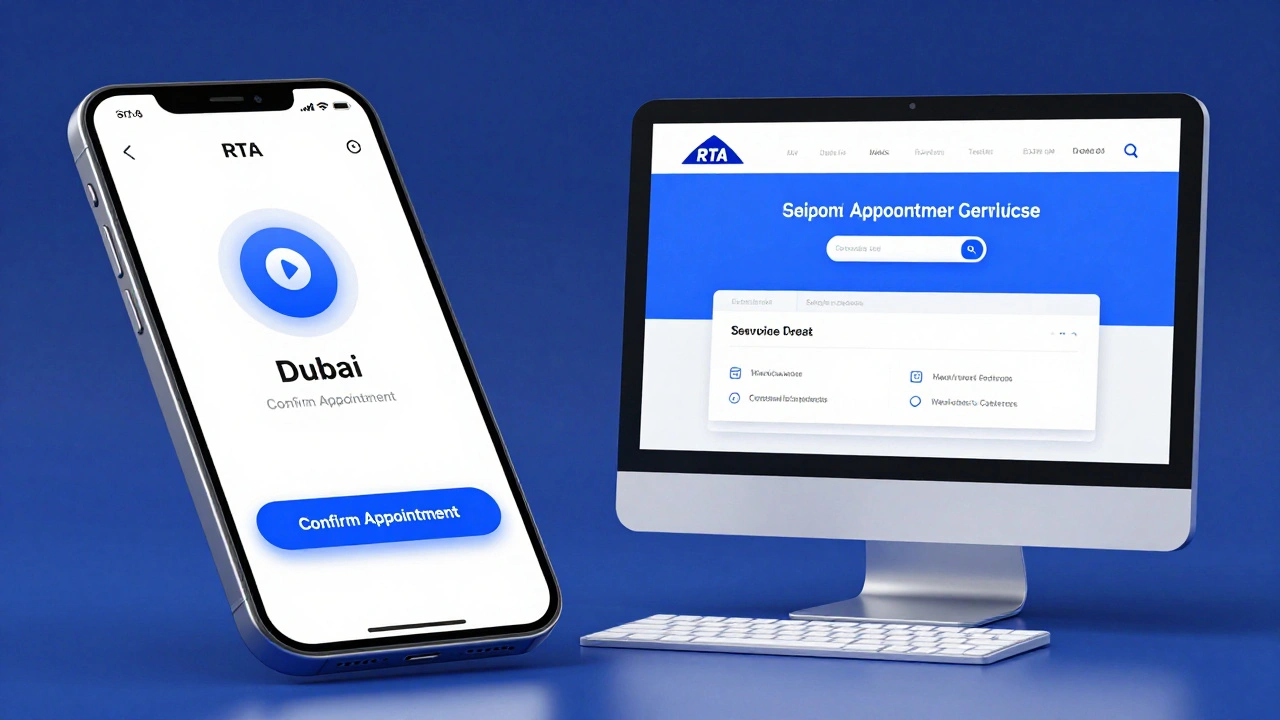
Comparing Booking Platforms
| Feature | RTA Website | RTA Dubai App |
|---|---|---|
| Best For | Detailed management/Desktop users | Quick booking/Mobile users |
| Accessibility | Browser-based (Any device) | iOS and Android App Stores |
| Verification Method | Emirates ID + OTP | Emirates ID + OTP |
| Update Speed | Real-time | Real-time |
Pre-Inspection Checklist: Don't Fail Your Test
Booking the appointment is the easy part; passing the test is where the stress happens. The RTA inspectors are thorough, and a single failed light bulb can send you back home. Before you head to your scheduled slot, run through this basic check:- Lighting: Check every single bulb. This includes brake lights, indicators, headlights, and the license plate light.
- Tires: Ensure your tread is deep enough and that there are no bulges or cracks in the sidewalls.
- Brakes: If you feel any shuddering or hear squealing, get them checked before the RTA appointment.
- Windshield: Check for large cracks or chips in the driver's line of sight.
- Documentation: Have your registration (Mulkiya) and Emirates ID ready.
Common Pitfalls to Avoid
One big mistake people make is forgetting to sync their registered phone number. If the OTP goes to an old number you no longer use, you'll be stuck at the identity verification stage. Make sure your contact details are updated in the UAE Government records before you start the booking process. Another common error is booking the wrong service type. Choosing "Export" when you actually need a "Renewal" can lead to delays or the need to re-book. Double-check your selection before hitting confirm.What Happens if You Miss Your Slot?
Life happens. If you realize you can't make it, don't just ignore the appointment. Use the app or website to reschedule. Because the system is now mandatory, missing a slot without canceling doesn't necessarily penalize you financially, but it does waste a spot that another driver needs. If you arrive late, the center may not be able to fit you in, and you'll have to start the online booking process all over again.Can I still do a walk-in inspection at any RTA center?
No. As of June 2, 2025, the RTA has moved to a mandatory appointment-based system. You must book your slot online via the website or app before arriving at the center.
What do I need to book an appointment if I am a company representative?
When accessing the portal, select the "Company Account" option. You will need the company's registered credentials and relevant identification to manage the fleet's inspection schedule.
How do I receive the confirmation for my booking?
After clicking "Confirm Appointment," you will receive a confirmation message on your screen and typically a notification via the app or email. It is recommended to take a screenshot of the confirmation for quick reference at the center.
Is the online booking system free?
The act of scheduling the appointment online is free. However, you will still need to pay the standard technical inspection fees at the center or through the payment gateway as specified by the RTA.
What happens if the app is not loading my vehicle list?
First, ensure your app is updated to the latest version. If the issue persists, try the official RTA website. If neither works, it may be a synchronization issue with your Emirates ID; in this case, contact RTA customer support.